

- Mark as New
- Bookmark
- Subscribe
- Subscribe to RSS Feed
- Permalink
- Report Inappropriate Content
01-19-2025 05:33 PM in
Galaxy A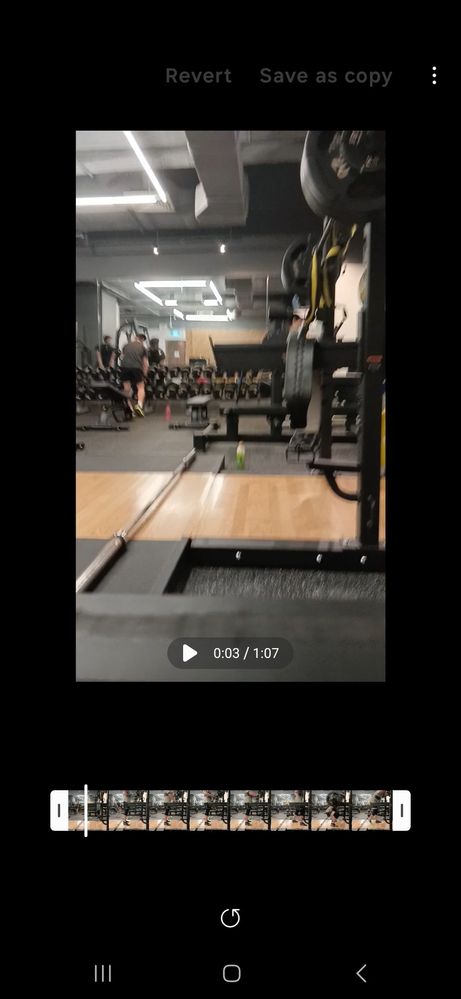

- Mark as New
- Subscribe
- Subscribe to RSS Feed
- Permalink
- Report Inappropriate Content
01-20-2025 12:30 AM in
Galaxy A
- Mark as New
- Subscribe
- Subscribe to RSS Feed
- Permalink
- Report Inappropriate Content
01-20-2025 08:43 AM (Last edited 01-20-2025 08:45 AM ) in
Galaxy A
- Mark as New
- Subscribe
- Subscribe to RSS Feed
- Permalink
- Report Inappropriate Content
10-29-2025 09:14 AM in
Galaxy AHello Samsung Support Team,
I really enjoy using these phones, but I have some concerns regarding the Gallery editor on the Galaxy A16:
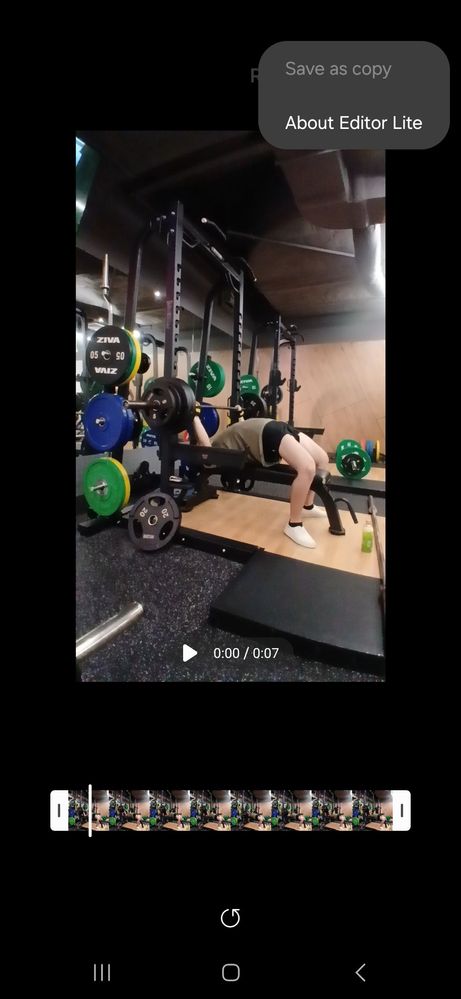
1. The photo/video editor only supports trimming and rotating, claiming that the processor cannot handle more advanced features. However, other phones such as the Galaxy G6, with less advanced processors, support significantly more video editing features.
2. I am not requesting the full range of features available on flagship models like the Galaxy S25, but the current options are extremely limited.
I would greatly appreciate your response regarding this matter. Thank you ❤️
- Mark as New
- Subscribe
- Subscribe to RSS Feed
- Permalink
- Report Inappropriate Content
10-29-2025 09:32 AM in
Galaxy A
